Xmaster Formula Indicator MT5
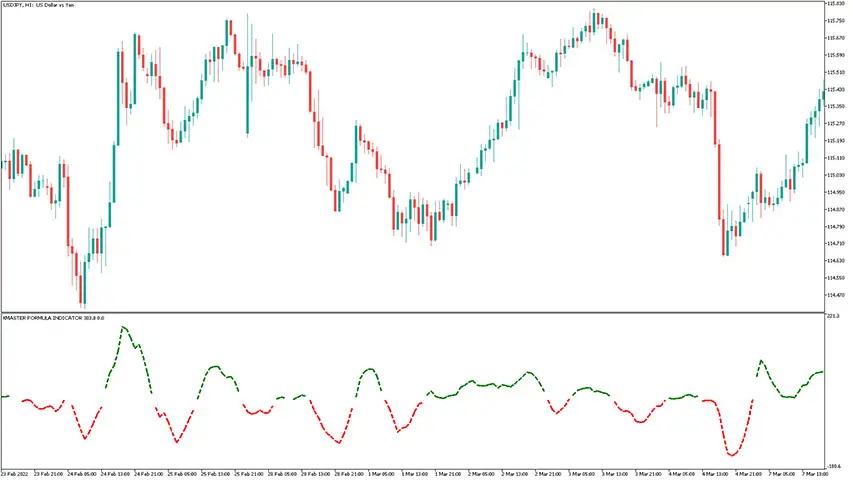
Platform: MT5 Type: Trend Last update: November 9, 2025The Xmaster Formula Indicator for MT5 displays a bi-colored dashed line that shows market trends and their directions. It’s often referred to as the xhmaster formula. This tool is a modern version of a popular indicator known for providing reliable and accurate signals, originally released for earlier MetaTrader platform.
How to trade with the Xmaster Formula Indicator for MT5?
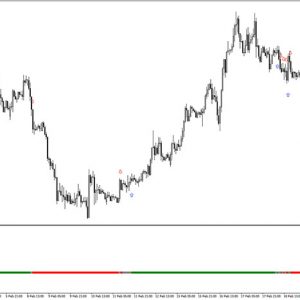
After activating the indicator in MetaTrader 5, you will see how it plots green and red stripes that together form an oscillator-like line. True to its name, this trading maestro crafts a symphony of signals, offering a guide for entering and exiting trades with ease.
Example chart:
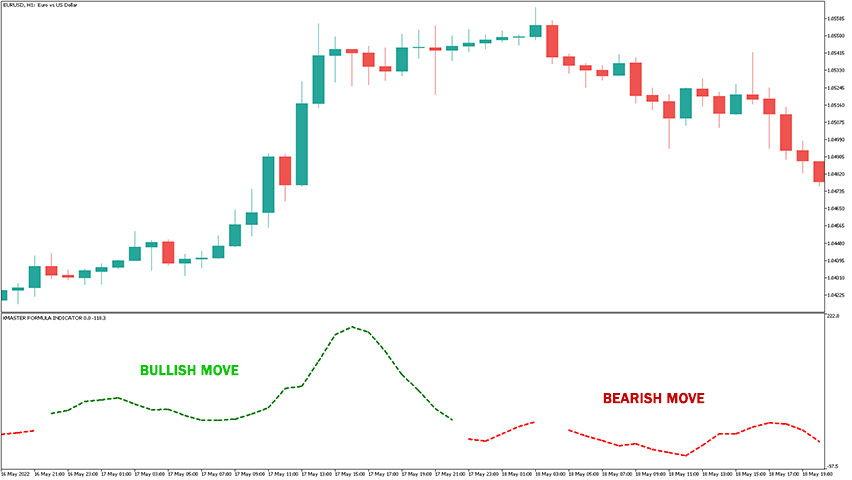
As a rule of thumb, consider entering a long trade when the line changes to green and starts moving up, as this suggests a potential bullish trend. Similarly, consider a short trade when the line changes to red and begins trending down, indicating a possible bearish move in the market.
From time to time, you may notice brief periods of discontinuity in the xhmaster line, which simply indicate market indecision.
Real-life examples
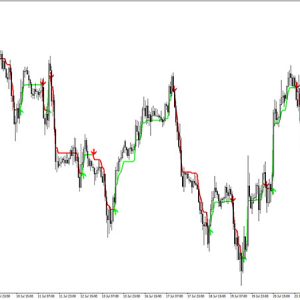
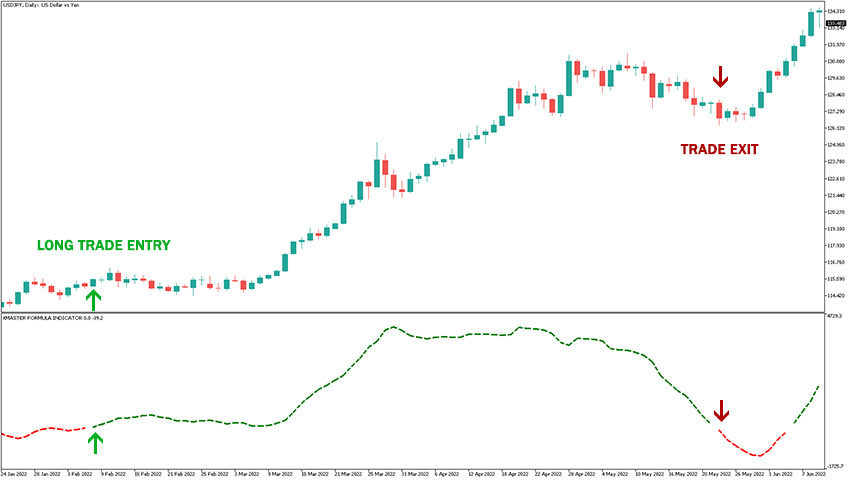
In this USD/JPY chart, you can see a bullish setup: when the Xmaster Formula signal line turned green, the price rose significantly, providing traders with a strong profit opportunity.
The buy entry is marked with an upward arrow, and the trade exit with a downward arrow. The stop-loss should be placed a few pips below the most recent swing low.
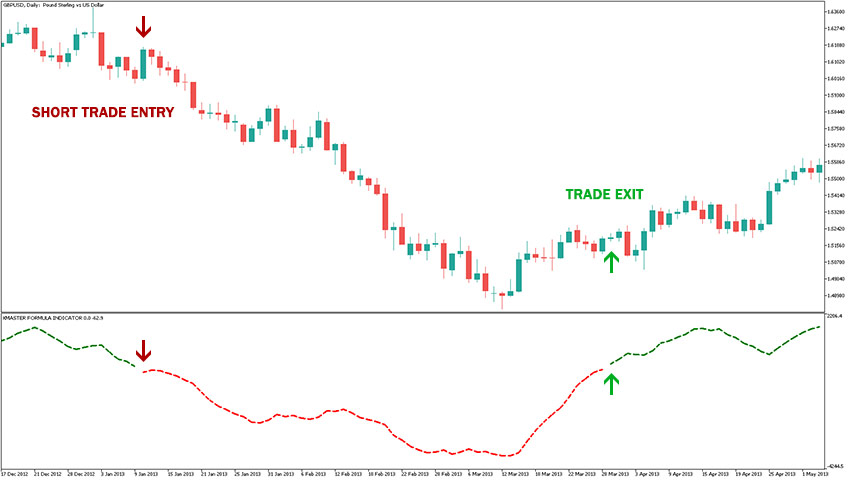
This GBP/USD chart shows a bearish scenario.
When the Xmaster Formula signal line turned red, the price dropped sharply, creating a good short opportunity. The sell entry is marked with a downward arrow, and the stop-loss should be placed a few pips above the recent swing high.
What are the differences between this and original version of the xmaster formula?
The comparison table below explains the similarities and main differences best.
| Feature | Current | Original |
|---|---|---|
| Platform | MetaTrader 5 | MetaTrader 4 |
| Signal Format | Dashed Line | Dotted Line |
| Buy/Sell Arrows | No | Yes |
| Period | Customizable | Fixed |
| Nickname | xhmaster formula | xhmaster formula |
| Released In | 2023 | 2010 |
Indicator settings
The indicator offers two input settings: ‘Bars to Analyze’ and ‘Period.’ While the purpose of the first is straightforward, let’s focus on the second.
The ‘Period’ setting controls the indicator’s sensitivity. Lower values result in higher sensitivity, while higher values reduce it. For instance, setting the period to 10 makes the readings highly sensitive, generating signals that are well-suited for scalping. Conversely, a value of 100 provides longer-term signals, making it more appropriate for swing trading.

Extra tips for using the xmaster formula
Here are couple of practial tips for getting better and more tailored results.
- Make decision whether you want use scalping or trend trading and adjust period accordingly.
- Zoom out your chart, understand wider context including long term trend, trendlines, major support and resistance levels.
- Always use sound money management and reasonable risk to reward ratio.
- Consider signals when bars moves away from round price levels.
- Don’t forget about major economic news that heavily influence price movements.
Bottom line
New iteration of Xmaster Formula for MetaTrader 5 is still solid and reliable trend-following indicator and can be considered as a worthy successor.
FAQs
Submit your review | |
Interesting, but I've impression it's pretty different than mt4 version?