
Trend Bars Indicator MT4
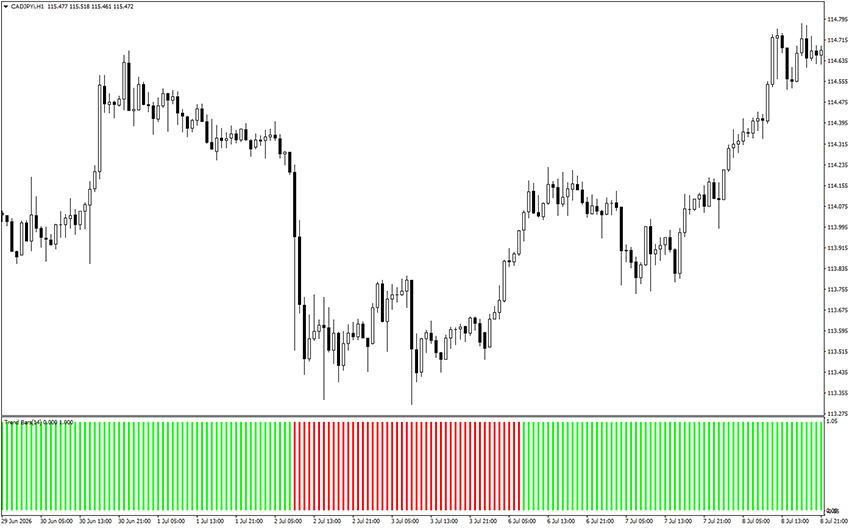
Platform: MT4 Type: Trend Last update: August 23, 2026The Trend Bars Indicator for MT4 reads the market with a 14-period RSI and translates that momentum reading into a single, easy-to-read color block.
Example chart:
How to use the Trend Bars Indicator for MT4?
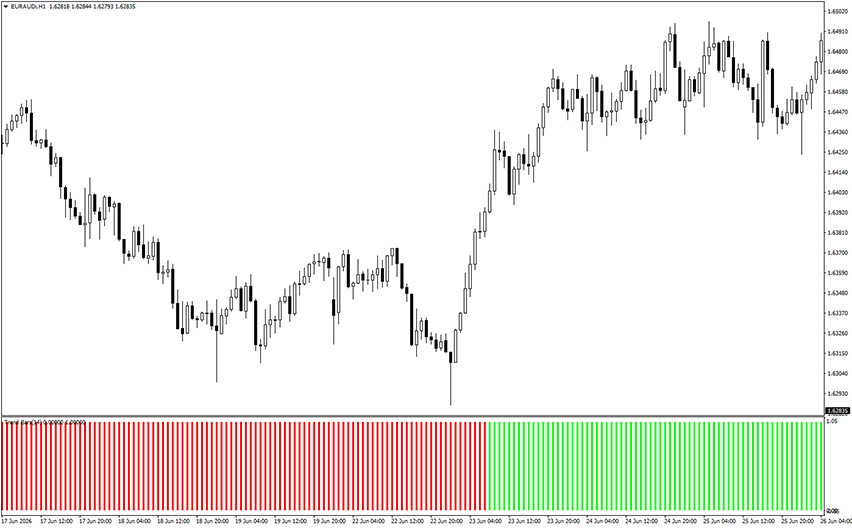
Use the color block as a filter, not a standalone entry signal. In a lime phase, only look for long setups and in a red phase, only look for short setups.
From there, bring in your own entry method, whether that’s a candlestick pattern, a break of a recent swing high or low or a secondary indicator like RSI or MACD for extra confirmation.
Pay attention to how long a color holds. A color that persists for many bars in a row suggests a strong, established trend.
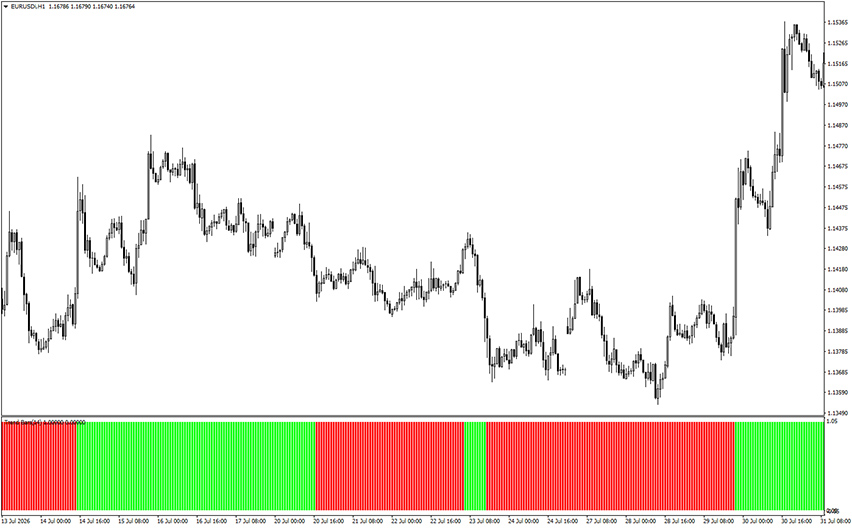
Frequent flips between lime and red suggest the market is choppy or ranging, conditions where the Trend Bars Indicator is far less reliable and best avoided.
How does it actually work?
Because the color only shifts once the underlying RSI calculation confirms a change in momentum, the indicator tends to lag slightly behind the very first move.
This is a deliberate tradeoff: fewer false starts, at the cost of not catching the exact top or bottom of a swing.
It’s best suited to markets that are already trending, where you want confirmation of direction rather than an early warning of a reversal.
Bottom line
The Trend Bars Indicator for MetaTrader 4 answers one question well – which direction is the market currently favoring?
It won’t time your entries or manage your exits, so pair it with a price action method or a second indicator and use it mainly to keep yourself from trading against the dominant trend.


